Don't Nod Off
At Your Mac.
NAPMAC uses AI to watch your eyes. If they stay closed too long, we hit the alarm. Hard.
Built for the Grind
Everything you need to stay conscious
14 Alarm Options
Includes 5 hilarious voice alarms (Daniel, Fiona, Moira, Samantha, Zarvox) with random phrases. Auto volume boost and screen flash backup.
Notarized & Private
Notarized by Apple. 100% on-device AI. No raw video or photos stored - only your branded share card is saved locally.
Branded Share Cards
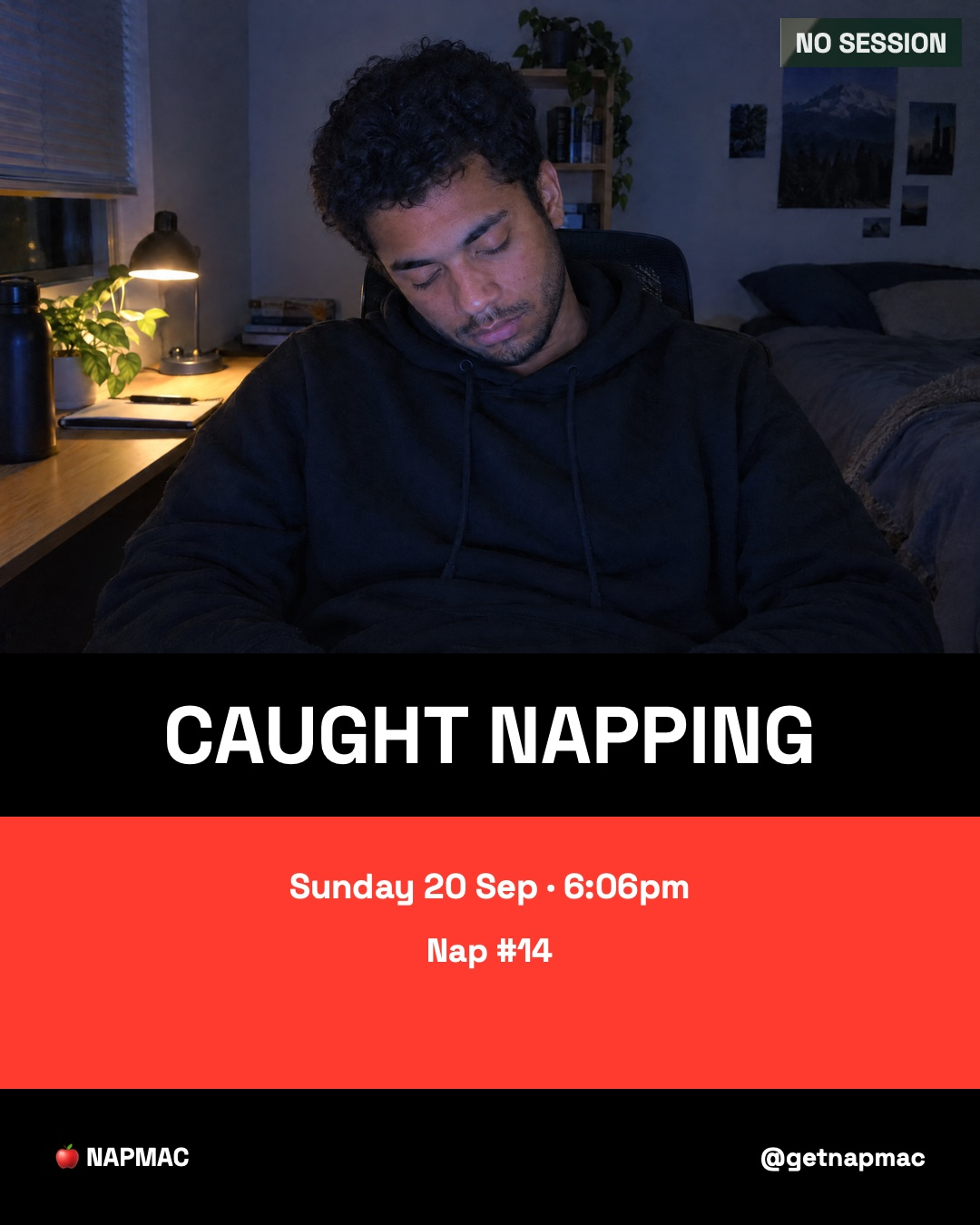
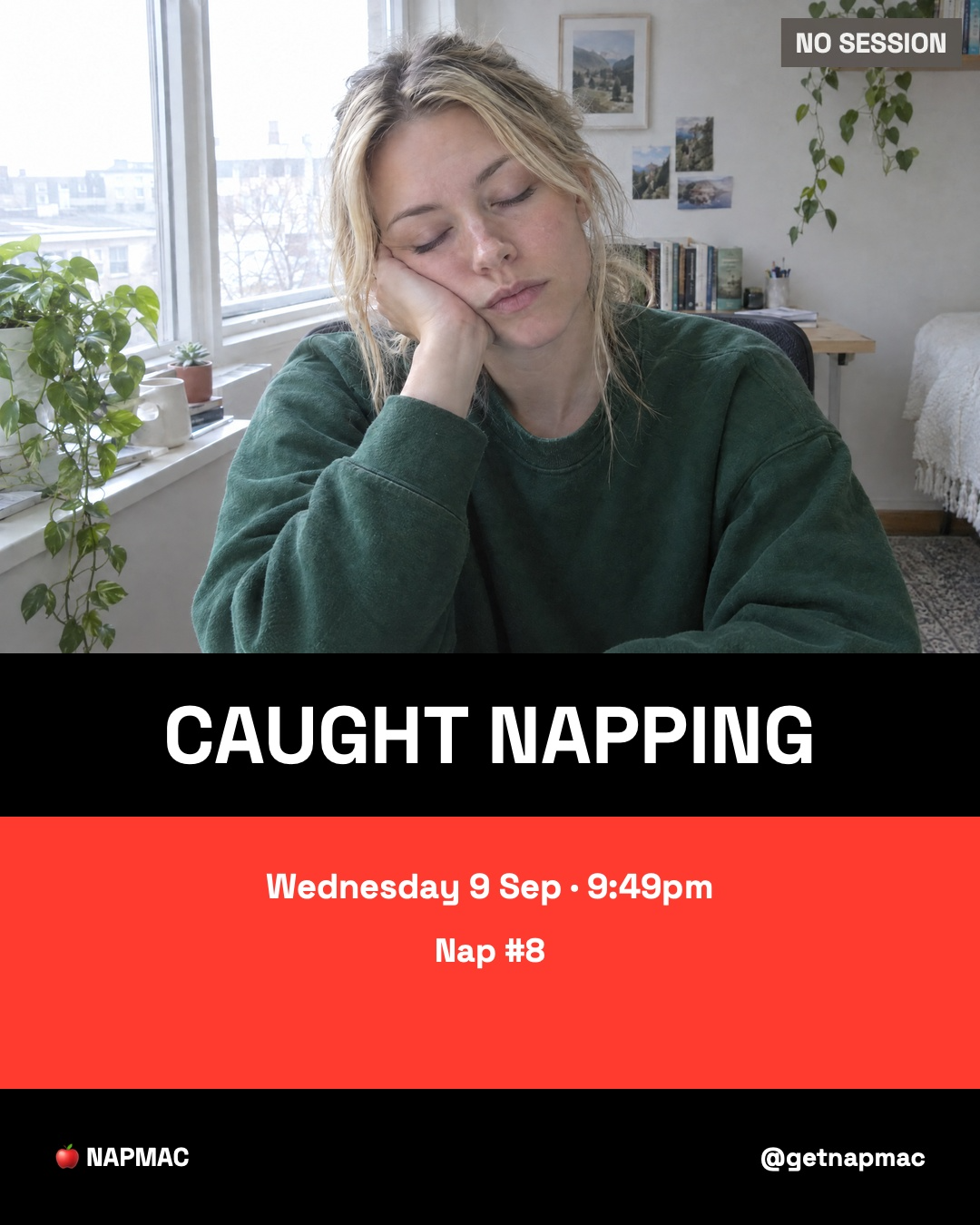
Automatically generates a tabloid-style 'CAUGHT NAPPING' card with your Nap #. Saved to NAPMAC Socials on your Desktop.
Active Hours
Set a monitoring schedule (e.g. 9am-6pm). NAPMAC won't trigger during evenings or weekends unless you want it to.
Full Stats
Tracks every time you get caught. View your running nap counter and detailed history directly in Settings.
Vision AI
Uses Apple's Vision framework to calculate your Eye Aspect Ratio (EAR) in real-time. No lag, just math.
Works even when muted
NAPMAC makes sure the alarm can be heard, then restores your previous volume automatically.
Focus Sessions
Choose a focus rhythm - from quick 25/5 sprints to 90-minute deep work blocks - while NAPMAC keeps watch for signs that you're nodding off.
How it Works
Camera Access
NAPMAC requests permission to use your built-in FaceTime camera or any connected webcam.
Eye Tracking
Our local AI model identifies your eyes and measures how open they are (Eye Aspect Ratio).
The Wake Up
If your eyes stay closed for more than your set threshold (e.g., 2 seconds), the alarm triggers.
CAUGHT NAPPING? PROVE IT.
NAPMAC generates a tabloid-style "CAUGHT NAPPING" card for every catch.
Share it on Instagram, TikTok, and X. Tag @getnapmac for a repost.
Your Face,
Your Data.
NAPMAC is Notarized by Apple and passes Gatekeeper. We don't want your data. All processing is 100% on-device.
- Notarized by Apple
- No Raw Video or Photos Stored
- Only Share Cards Saved Locally
- 100% On-Device Processing
NAPMAC Socials Folder
NAPMAC generates a tabloid-style ‘CAUGHT NAPPING’ card whenever it catches you nodding off. Keep it private or share it if you choose.
Got Questions?
How many alarm sounds are there?
14 - including 9 sound alarms and 5 voice alarms. Highlights include Zarvox the robot ("BIOLOGICAL UNIT HAS GONE OFFLINE") and Fiona the Scottish voice ("Och, wake up ya numpty!"). A random follow-up sound plays after every voice alarm so it never sounds the same twice.
What is the NAPMAC Socials folder?
Every time NAPMAC catches you sleeping it generates a branded share card and saves it to a NAPMAC Socials folder on your Desktop. Open it, post it, tag @getnapmac - we repost the best ones.
Can I set it to only monitor during work hours?
Yes - use the Active Hours setting to set a monitoring schedule. Perfect for 9-5 use without triggering in the evenings.
Will NAPMAC drain my battery?
NAPMAC uses minimal CPU while actively monitoring - it spends most of its time sleeping between frame checks rather than continuously processing. Memory footprint is modest, comparable to a browser tab. Battery impact is designed to be negligible on both Intel and Apple Silicon Macs.
Will NAPMAC work if my Mac is muted?
Yes. When audible alarm override is enabled, NAPMAC can temporarily raise the volume and play the alarm even if your Mac is muted or the volume is low. Once the alarm has finished, NAPMAC restores your previous volume automatically.
Will NAPMAC permanently change my volume?
No. NAPMAC only adjusts the volume for the duration of the alarm and restores it to the level it was at beforehand.
NAPMAC won't catch every nod-off, and it's not a substitute for actual sleep.
Ready to
Stay Awake?
Requires macOS 12.0 or later